
How To Login to Game
After you have made your account [ Here ].
Download the game [ Here ].
Once installed you will have a desktop icon,

It will ask for admin rights, this is so it can check if you have the game font and needed DirectX files installed.
You will then see
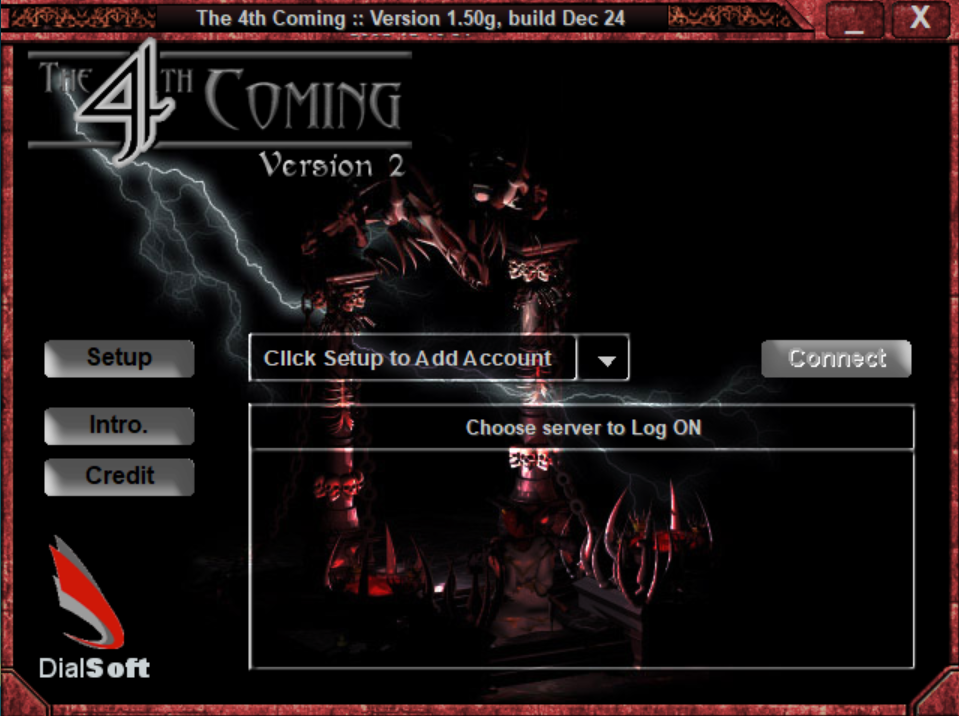
Click Setup,
Enter a server name anything you like aka “Biglads”.
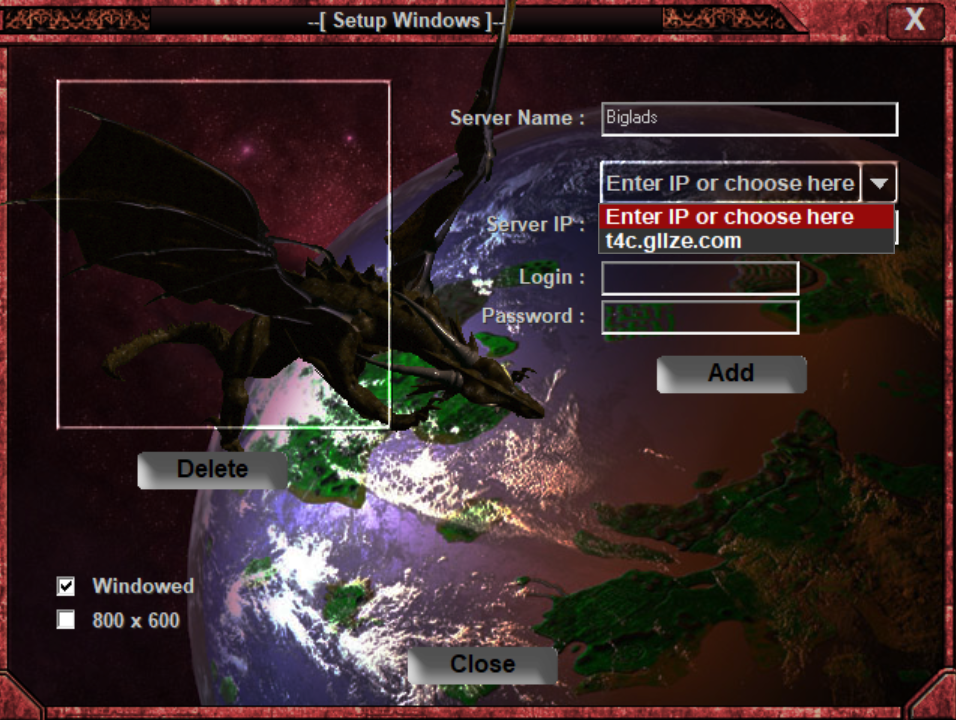
Select “t4c.giize.com“.
Then enter your username & password.
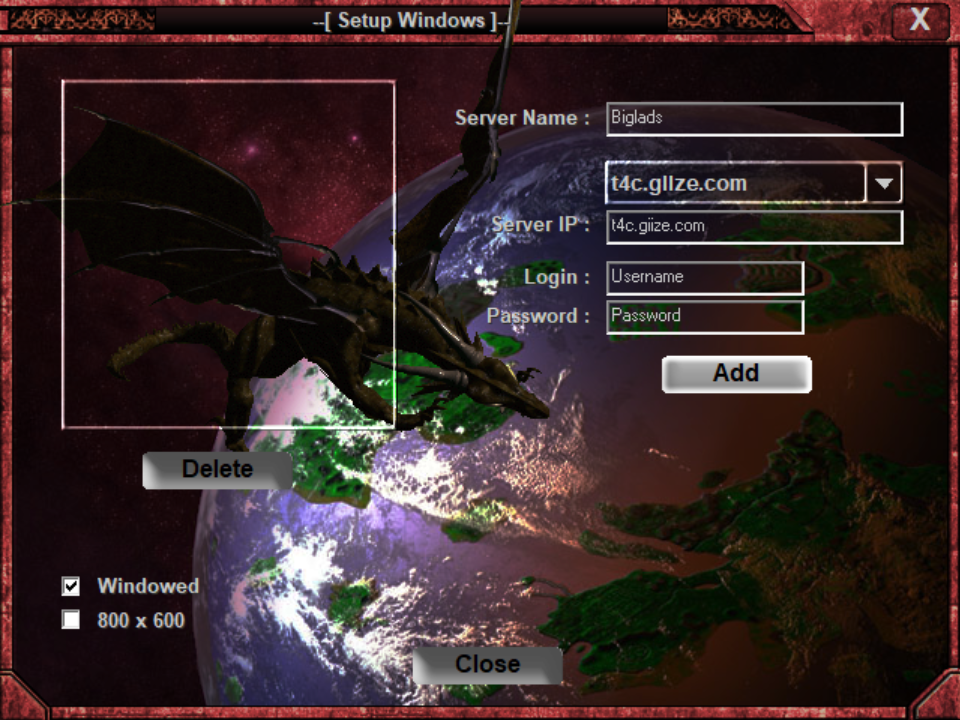
Click Add and make sure windowed mode is ticked!!! If running on windows XP can leave unticked!
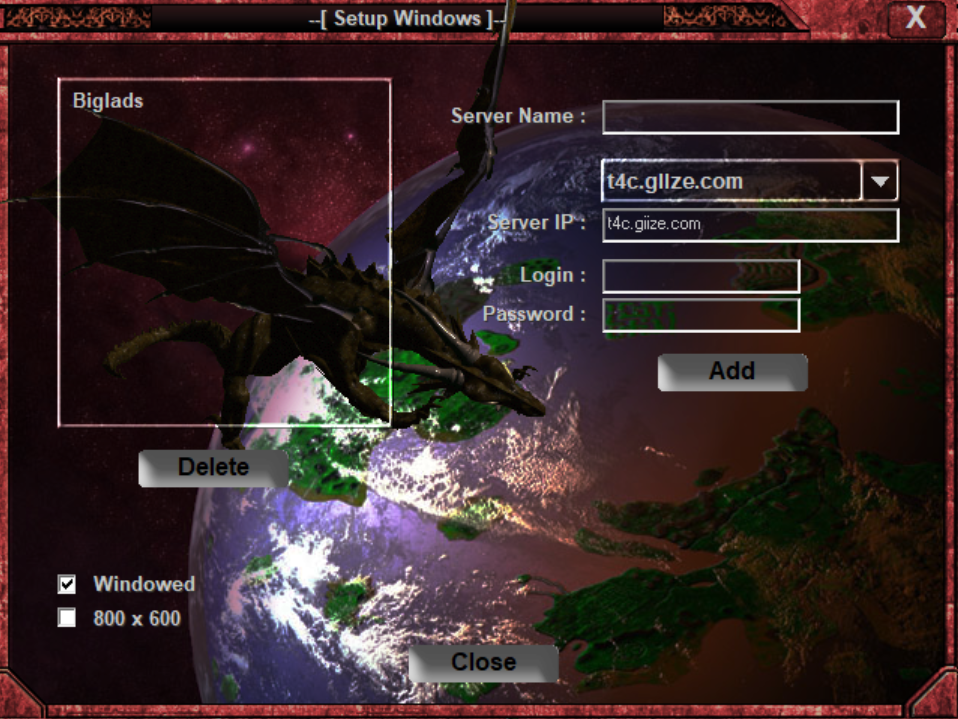
Click Close
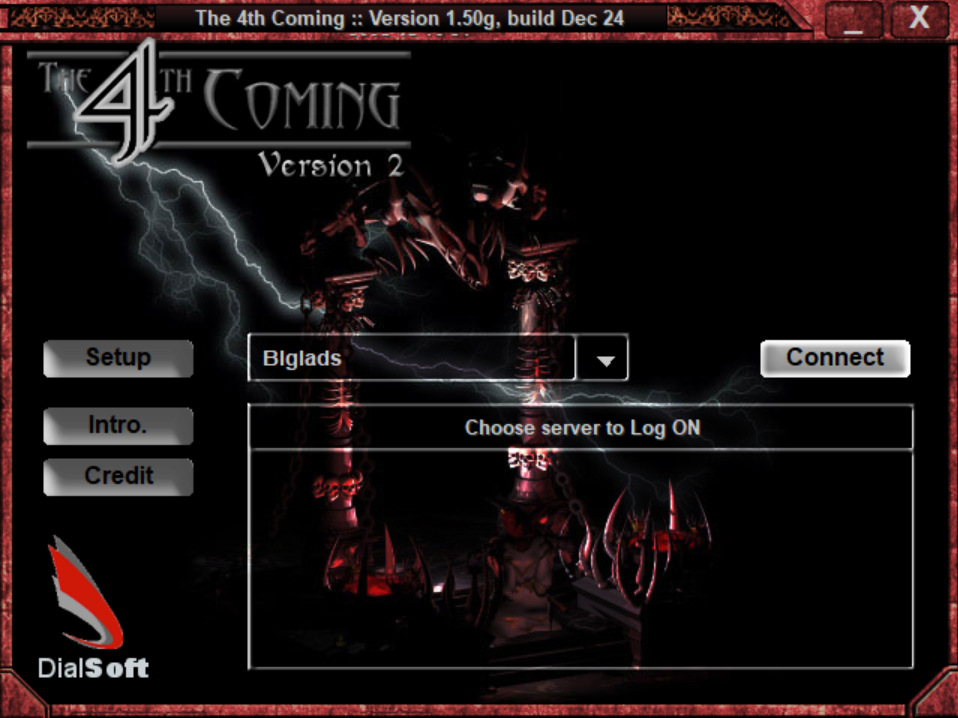
Click Connect
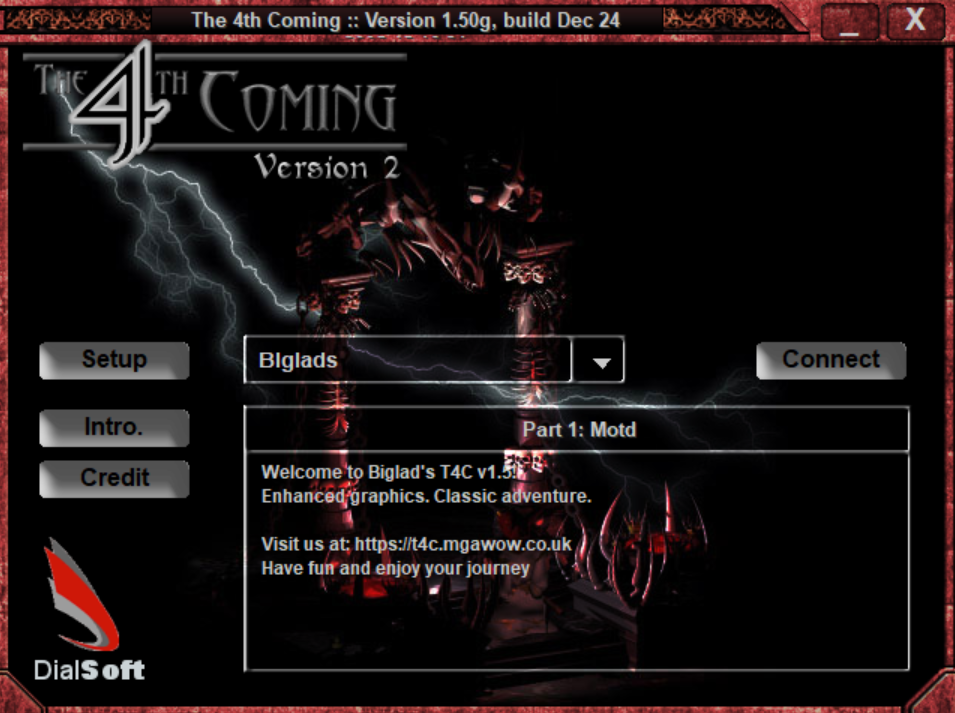
Click Connect Again to enter game!

For info on creating your character [ Click Here ].
Welcome to classic The 4th Coming Free to Play